
How to Create and Secure a Bitsgap Account
Register through the EA Tester referral link, confirm your email, open the dashboard and enable two-factor authentication.
Create a Bitsgap AccountOpen the EA Tester Bitsgap referral link
Visit Bitsgap through the referral link. Check that the domain is bitsgap.com before entering account information.
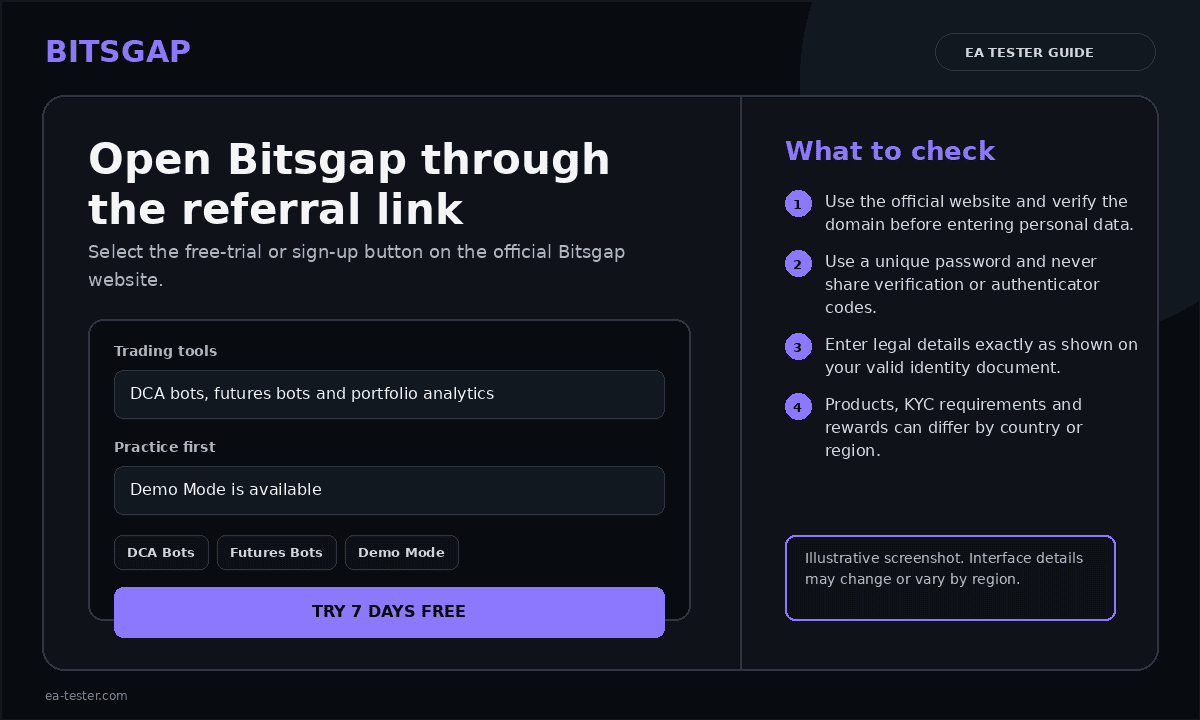
Choose a registration method
Select the available sign-up method you prefer. When using email registration, enter an address you control and create a unique password.
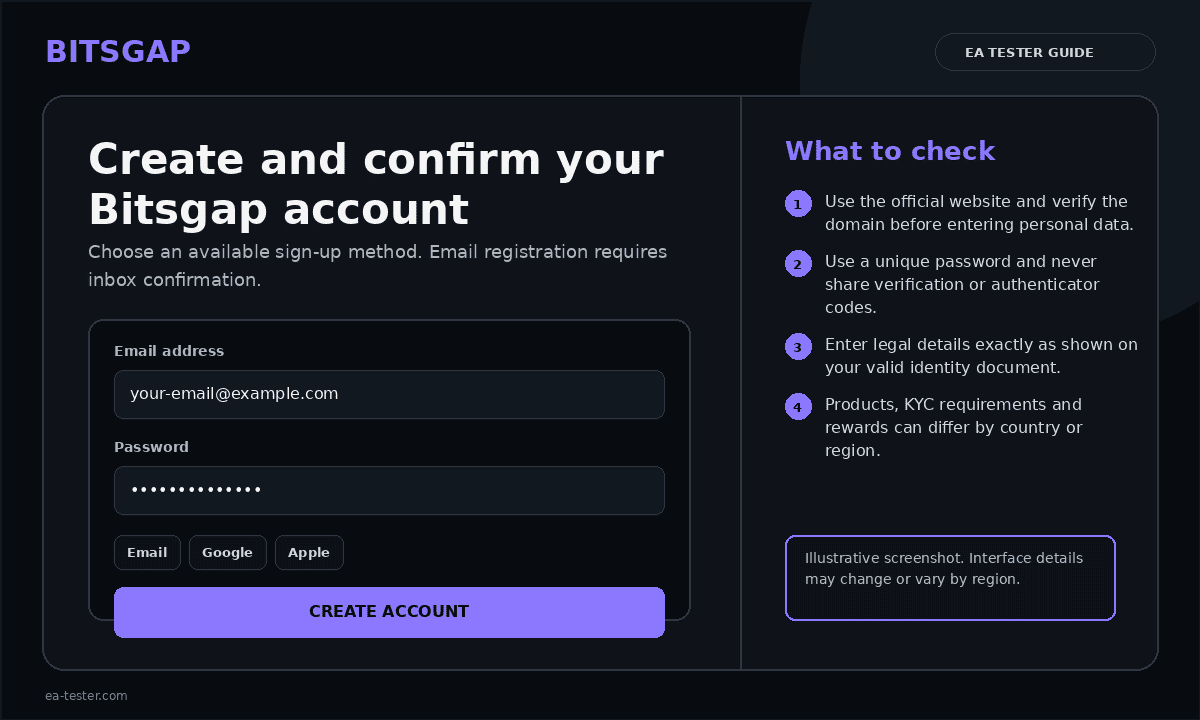
Confirm your email address
Open the confirmation email from Bitsgap and follow the verification link. Check spam and promotions folders if it does not arrive.
Log in and review the dashboard
After confirmation, log in and open the dashboard. Do not connect an exchange until your Bitsgap account security is configured.
Enable two-factor authentication
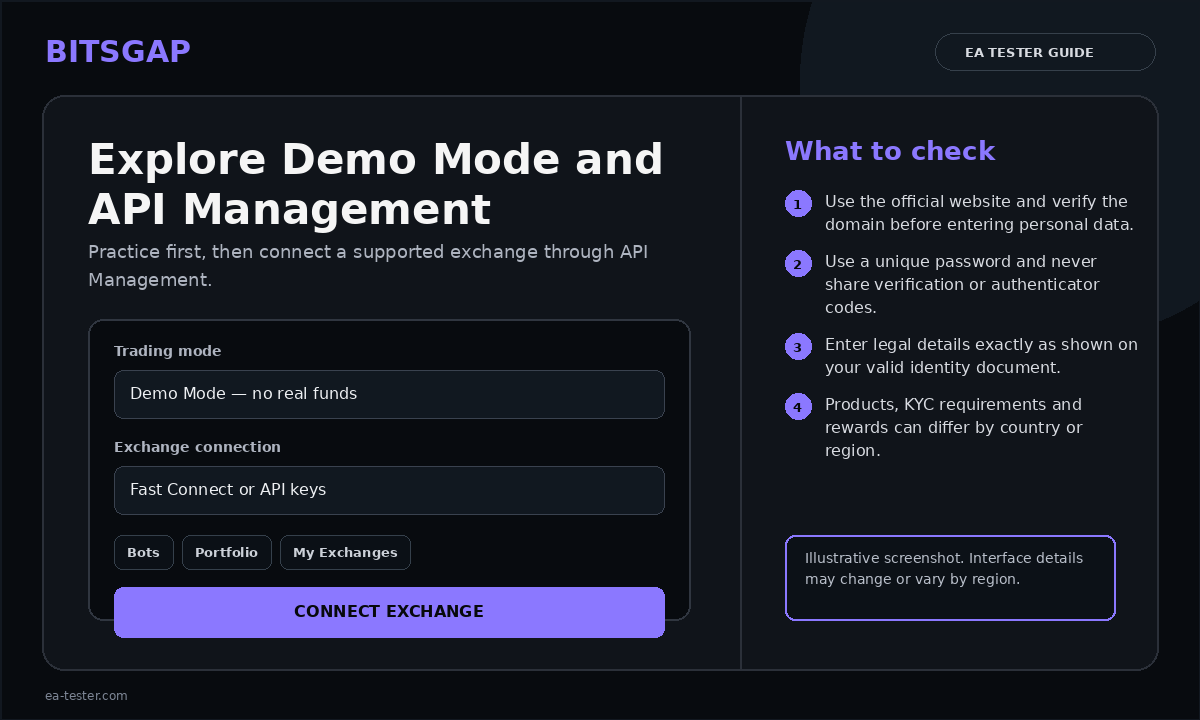
Open Settings → Security, activate the authenticator option, scan the QR code with a trusted authenticator app and enter the generated code. Store the recovery key offline.
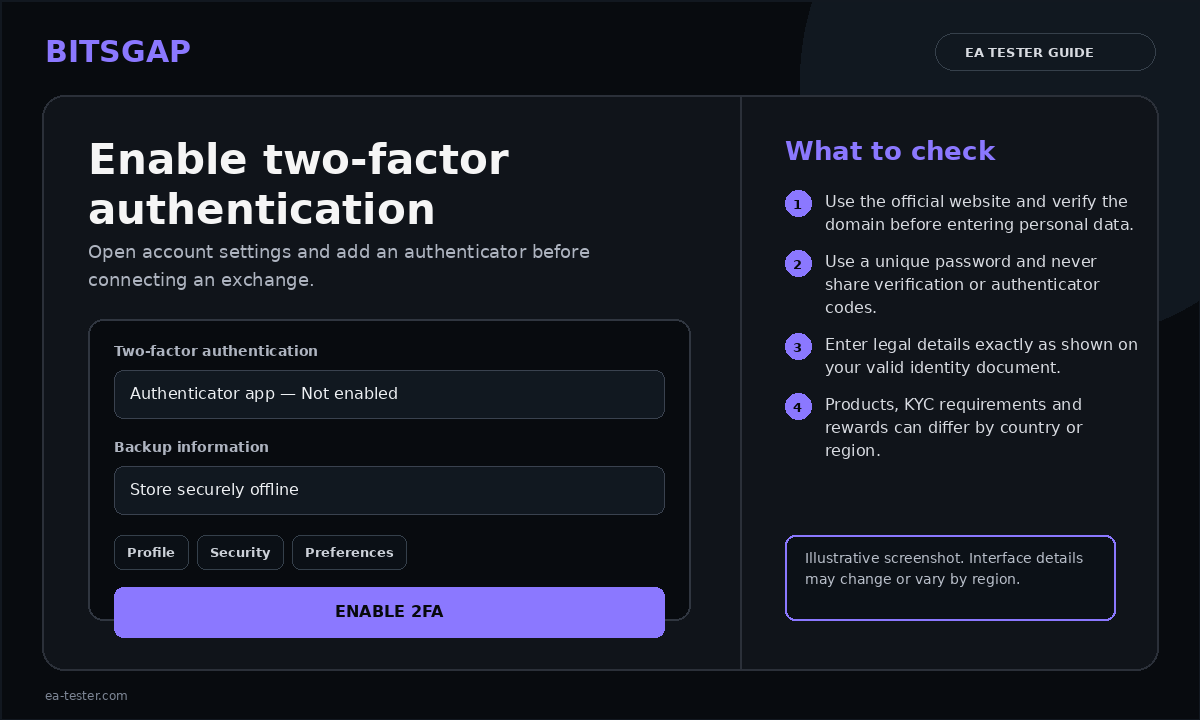
Understand the exchange connection model
Bitsgap connects to supported exchanges through API credentials. Grant only the permissions required for reading balances and trading. Never enable withdrawals on an API key used with a trading platform.
Review trial or subscription conditions
Check the current trial duration, plan limits, renewal price and supported features in your account. Conditions can change, so rely on the live pricing page rather than old screenshots.
Official Bitsgap video and help resources
The official account-creation guide and Bitsgap quick-start guide include an official quick video. Also review the official 2FA tutorial, which includes a step-by-step video.