
How to Create and Verify a Binance Account
Register through referral ID SYJCF8ZH, complete identity verification and secure the account before depositing.
Create a Binance AccountOpen the EA Tester Binance referral link
Open the Binance registration page. Confirm that referral ID SYJCF8ZH is shown before completing sign-up.
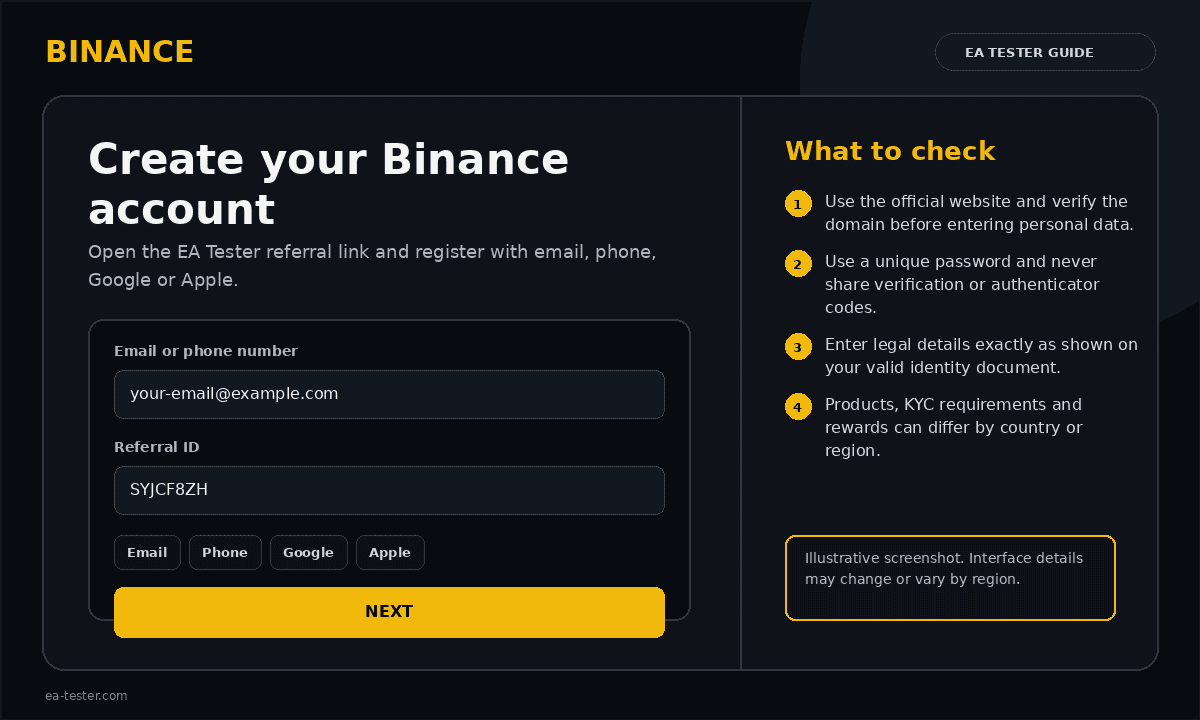
Choose a registration method
Register with an email address or mobile number. Depending on your region and device, Google or Apple sign-up may also be offered. Use contact details that belong to you and that you can access immediately.
Enter the verification code
Binance sends a six-digit code to the email address or phone number you entered. Type the code before it expires. Check spam or junk folders if an email is delayed.
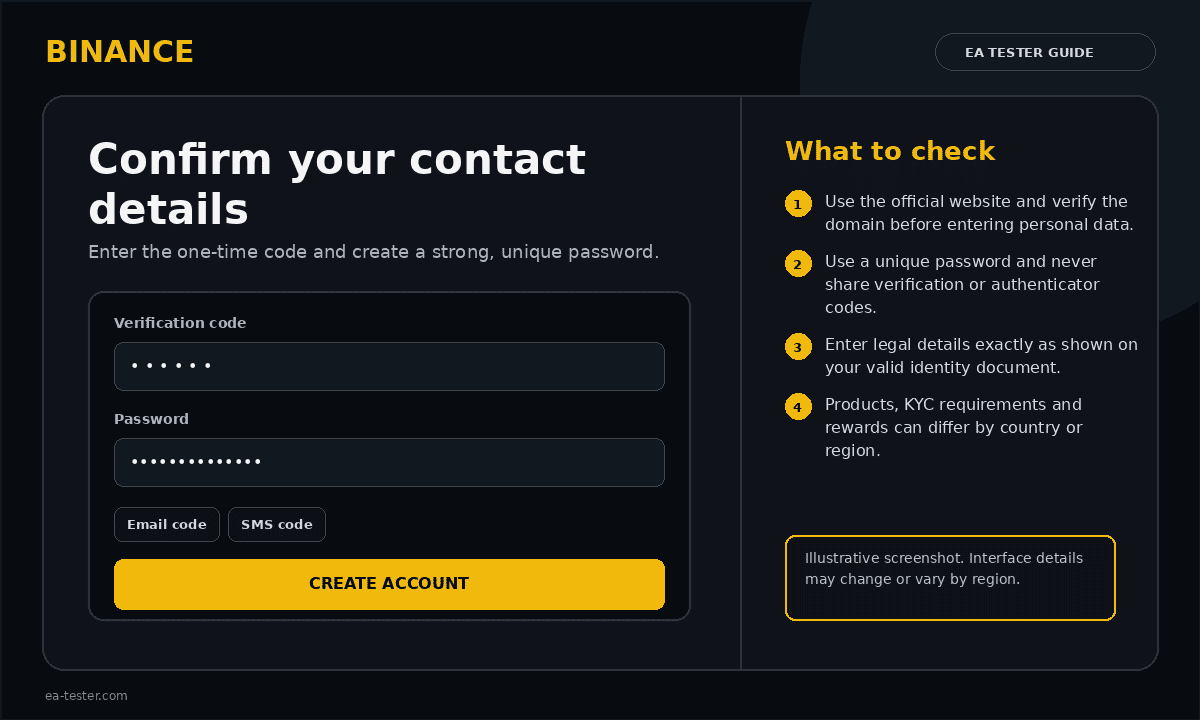
Create a unique password
Use a password that you do not reuse anywhere else. Binance recommends at least eight characters with a number and an uppercase letter; a longer password with symbols is better.
Open Identity Verification
After logging in, open your profile or account dashboard and select Identification or Verification. Menu wording can differ by region.
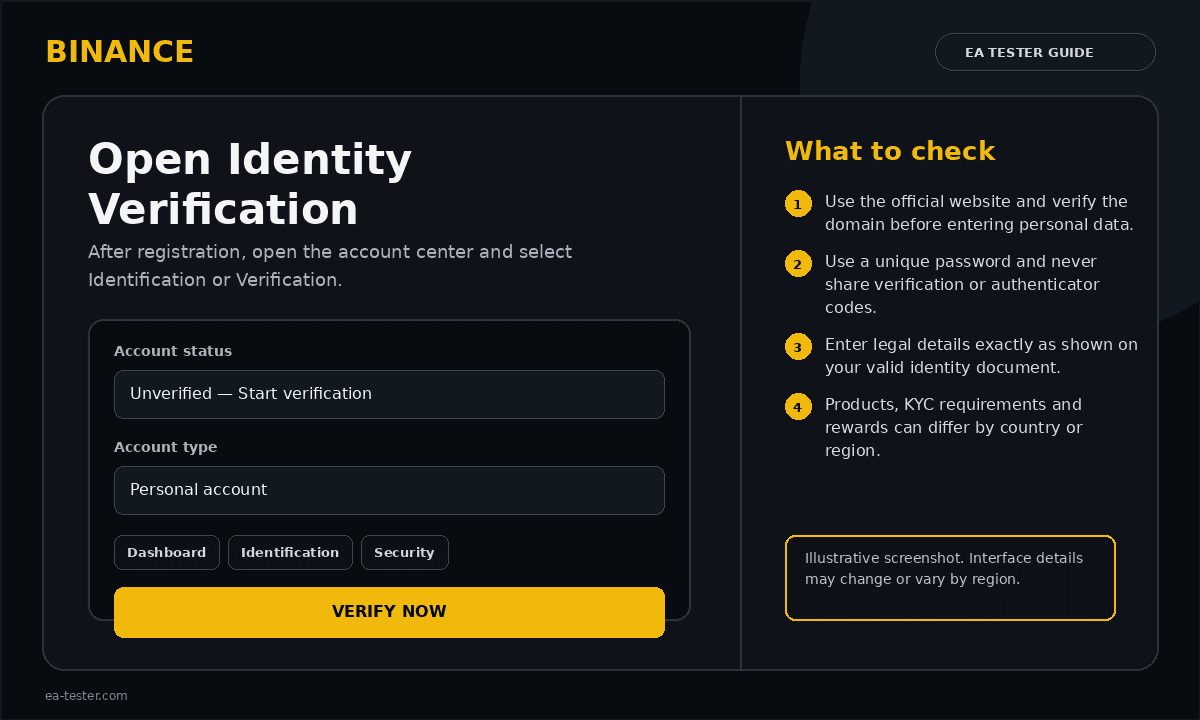
Enter legal information and select an ID
Select your actual country or region of residence and an accepted document type. Enter your full legal name and date of birth exactly as printed on the document.
Upload the document and complete facial verification
Use an original, valid and unexpired document. Keep all edges visible, avoid glare and do not edit the image. Complete the live facial scan in good lighting without hats, masks or reflective glasses.
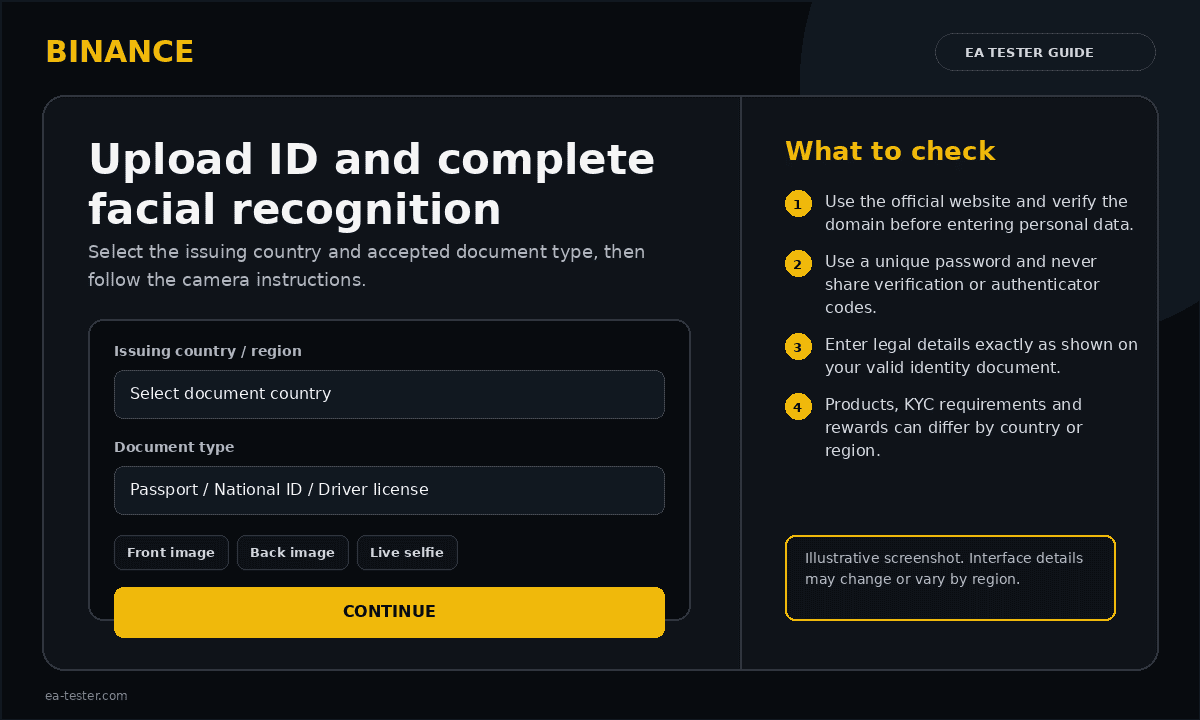
Wait for the result and review restrictions
Submit the application and monitor the verification page and your email. Required information, available services and review procedures can differ by country.
Secure the account before funding it
- Enable an authenticator app or passkey
- Set an anti-phishing code
- Review authorized devices and recent activity
- Use withdrawal-address whitelisting where appropriate
- Never give API keys withdrawal permission when connecting a trading tool
Official Binance resources
Binance Beginner’s Guide covers account creation, verification and first steps. The official security guide explains 2FA, anti-phishing codes, device review and API-key safety.